
HelpLook vs Document360 vs HelpDocs: AI Knowledge Base Comparison
HelpLook vs Document360 vs HelpDocs: Which AI Knowledge Base Fits Your Team?
Choosing a knowledge base platform is rarely a simple feature checklist. The right tool depends on whether you need deep enterprise documentation controls, transparent self-serve pricing, or a no-code AI help center that you can launch quickly. This comparison looks at HelpLook, Document360, and HelpDocs across the criteria that matter most: AI capabilities, pricing transparency, customization, and enterprise readiness.
Quick Comparison at a Glance
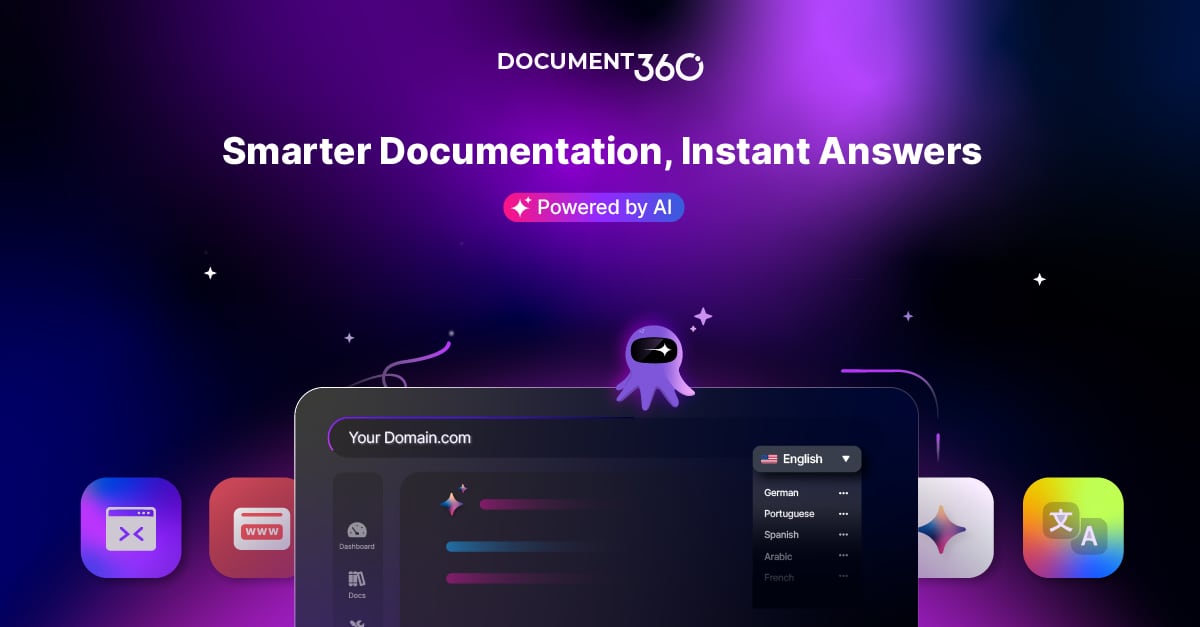
Document360 product interface.
| Criteria | HelpLook | Document360 | HelpDocs |
|---|---|---|---|
| Primary focus | No-code AI knowledge base and help center | AI-powered knowledge base for internal and external docs | Knowledge base with AI-assisted support |
| AI search and chatbot | AI search and chatbot powered by GPT-3.5/4.0 and Wenxin Yiyan | AI search and Eddy AI chatbot | HelpDocs AI with Ask AI, drafts, and rewrites |
| Pricing model | Free tier; paid plans starting at ¥99/month | Quote-based, no public pricing | Published plans from 129 to 499/month |
| Customization | Customizable portal, embeddable widget, SEO tools | Strong authoring, versioning, and workflow features | Custom CSS/JavaScript and HTML templating |
| Enterprise security | ISO/IEC 27001, TLS encryption, data backup | SOC 2 and ISO 27001:2022 | SSO, audit trail, advanced permissioning |
| Best for | Teams wanting fast, affordable AI self-service | Organizations needing deep documentation governance | Small to mid-sized teams wanting transparent pricing |
Document360: Strengths for Structured Documentation
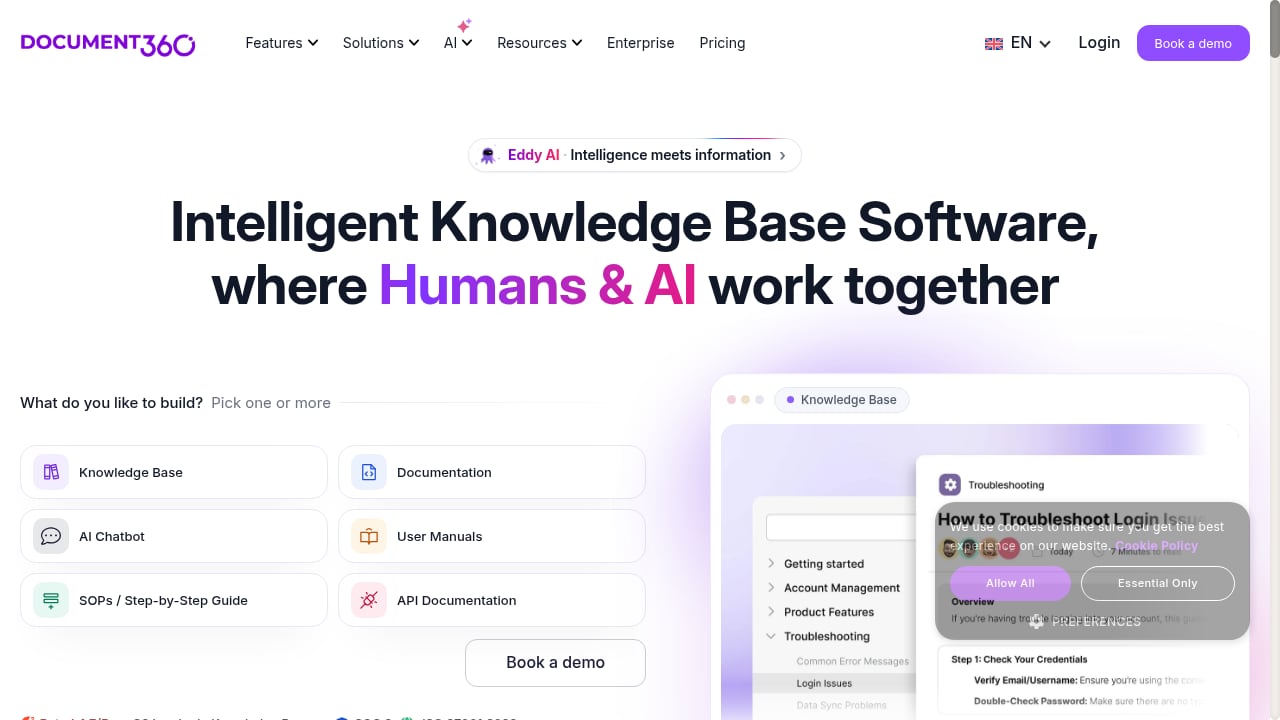
First viewport screenshot of Document360: AI Knowledge Base Software for Documentation.
Document360 is a mature platform built for organizations that treat documentation as a formal discipline. It supports public help centers, internal knowledge bases, API documentation, user manuals, SOPs, and educational portals. The platform emphasizes fast migration from tools like Confluence, Zendesk, and SharePoint, and offers 40+ integrations with support, product, and developer tools.
Its strengths are clearest in governance and depth:
- Version control and review workflows: Document360 provides robust versioning, approval workflows, and analytics that suit regulated or audit-heavy documentation.
- Developer documentation: OpenAPI and Swagger reference rendering make it a strong choice for API and developer docs.
- Localization: Support for 32 languages helps teams serve global audiences.
- Enterprise compliance: SOC 2 and ISO 27001:2022 certification address demanding security reviews.
- Track record: Customers in over 150 countries and more than 8,000 knowledge bases, with G2 Leader recognition and a 4.7/5 rating.
Document360 publishes no public pricing; its pricing page is a configurator plus a sales form, and quotes vary with team accounts, workspaces, languages, SSO, and AI usage. That is not a flaw for every buyer—large organizations often prefer negotiated contracts—but it makes budget planning harder for smaller teams.
HelpDocs: Strengths for Transparent, Self-Serve Support
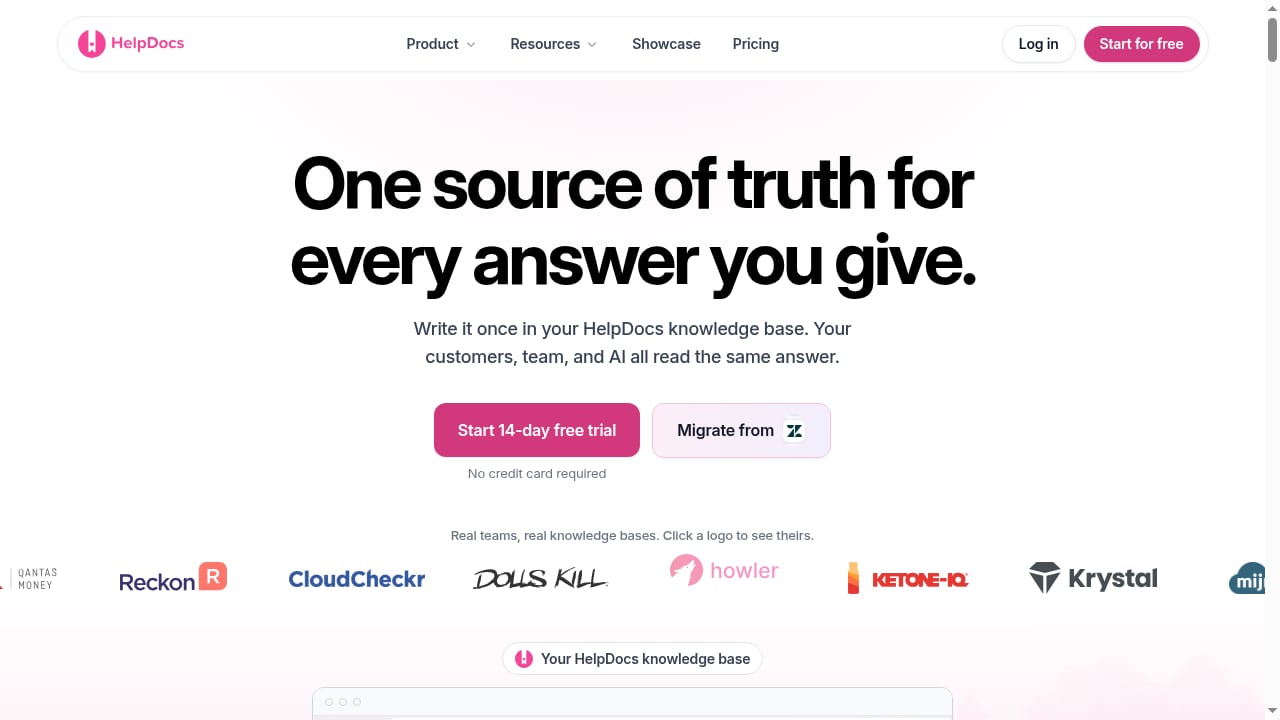
First viewport screenshot of Knowledge Base Software | HelpDocs.
HelpDocs is designed for teams that want a branded help center with AI-assisted support and predictable costs. Its published plans—Sprout, Bloom, and Harvest—range from 129 to 499 per month, or 99 to 399 billed annually, with a 14-day free trial and no credit card required.
Its notable strengths include:
- Transparent pricing: Flat published plans let teams compare costs without a sales call.
- AI on every plan: HelpDocs AI includes drafts, rewrites, Ask AI, AI meta, alt text, search tags, and style enforcement, with AI credits included on each tier.
- Unlimited free public readers: Your bill does not grow with your public audience.
- Enterprise controls without a heavy rollout: Permission groups, SSO, audit trail, and version history with side-by-side diffs are available in-product.
- Customization: Custom CSS/JavaScript and custom HTML templating give teams control over the help center experience.
- Migration support: Self-serve migration from Document360 and other tools, with most teams live within a day or two.
HelpDocs serves small teams through larger organizations, and its positioning emphasizes that documentation quality sets the ceiling for AI support accuracy—a useful principle for any team investing in self-service.
HelpLook: Strengths for No-Code AI Self-Service
HelpLook is a no-code AI knowledge base and help center platform for creating help centers, FAQs, user manuals, product documentation, enterprise blogs, and internal knowledge bases. It combines a WYSIWYG editor with AI-powered search and chatbot capabilities, integrating GPT-3.5/4.0 and Wenxin Yiyan models to provide instant answers.
Where HelpLook stands out:
- Fast setup with templates: Ready-made knowledge base templates help teams launch quickly without design or development work.
- AI search and chatbot: Users get instant answers drawn from the knowledge base, reducing repetitive support requests.
- SEO optimization tools: Built-in TDK management, URL customization, and sitemap support help documentation rank in search engines.
- Multi-language support: Translation features make it easier to localize content for international audiences.
- Affordable entry point: A free tier and subscription plans starting at ¥99/month, with over 10,000 companies using the platform.
- Security: ISO/IEC 27001 certification, TLS encryption, and data backup.
- Customizable portal and embeddable widget: Publish a branded help center and bring AI answers into your product or website.
HelpLook is a strong fit for content creators, operations teams, and customer service teams that want a one-stop AI knowledge base without a lengthy implementation.
How to Choose Between the Three
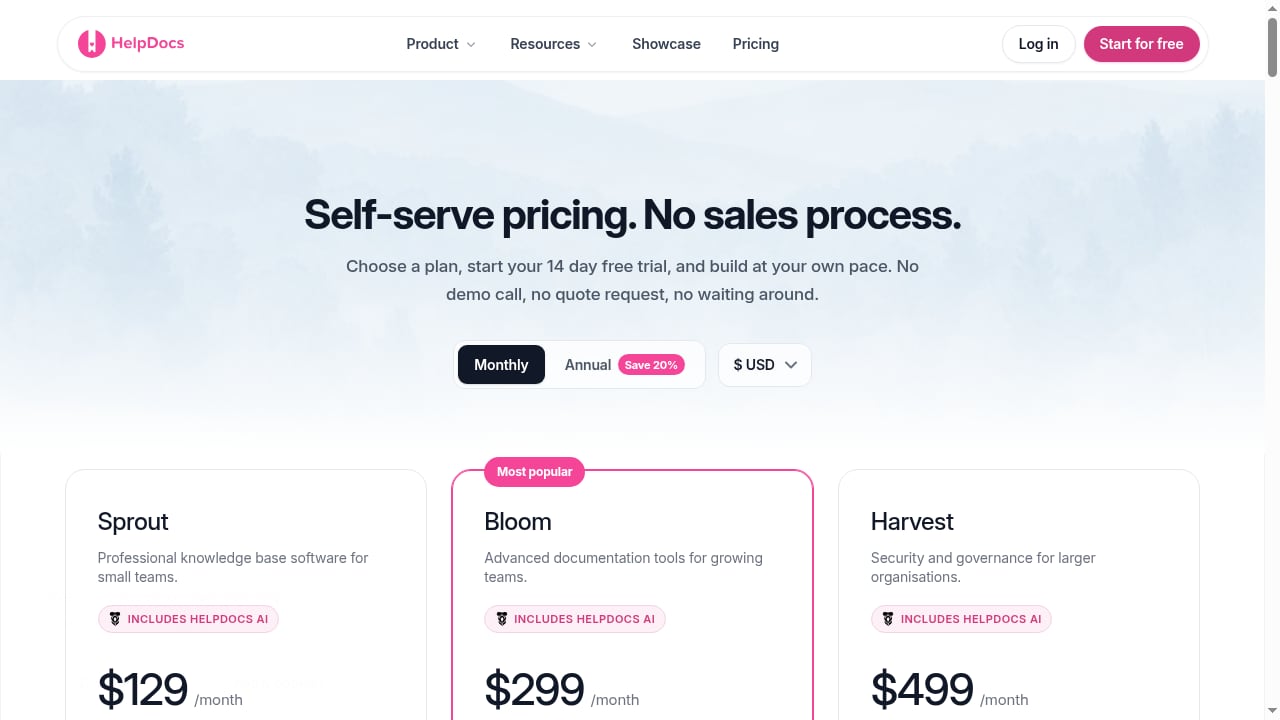
First viewport screenshot of Pricing - HelpDocs Knowledge Base Software.
The decision usually comes down to three questions.
1. How much documentation governance do you need?
If your team manages regulated documentation, multi-step approval workflows, or developer-facing API references, Document360's depth is a genuine advantage. If you need a fast, no-code help center with AI answers and SEO-friendly publishing, HelpLook is the more direct path. HelpDocs sits in between, offering enterprise controls like permission groups and SSO without a sales-led rollout.
2. How important is pricing transparency?
HelpDocs publishes flat plans, which makes budgeting straightforward. HelpLook offers a free tier and low-cost entry plans, which suits teams testing AI self-service. Document360 requires a quote, so it is best approached when you already know your requirements and can compare proposals.
3. How quickly do you need to launch?
HelpLook's templates and no-code editor are built for speed. HelpDocs reports most teams live within a day or two using self-serve migration. Document360's migrations are typically run by its team over a longer period, which can be worthwhile for complex documentation estates.
Related reading
- Botpress Review: Enterprise AI Agents for Support - An evidence-based Botpress review covering ideal users, use cases, strengths, limitations, pricing signals, setup, and decision criteria for support teams.
Sources and further reading
- HelpLook VS Document360: Which is Better for Knowledge Base Management? - Knowledge Base Management: HelpLook vs. Document360. Explore features, pricing, and more. HelpLook offers affordability, versatility, SEO optimization, AI search, and multi-language support.
FAQ
Is HelpLook cheaper than Document360 and HelpDocs?
HelpLook has a free tier and paid plans starting at ¥99/month, making it the lowest published entry point among the three. HelpDocs publishes plans from 129 to 499 per month. Document360 does not publish prices and provides quotes based on project scope.
Does Document360 have a free plan?
According to third-party comparisons, Document360 discontinued its free plan in November 2024 and offers a 14-day free trial instead. Pricing is quote-based.
Which platform has the best AI chatbot?
All three offer AI assistance. HelpLook integrates GPT-3.5/4.0 and Wenxin Yiyan for AI search and chatbot answers. Document360 offers Eddy AI, with its AI Chatbot sold as an add-on. HelpDocs includes Ask AI and AI writing tools with credits on every plan. The best fit depends on whether you need live-chat resolution, in-product answers, or writing assistance.
Can I migrate between these platforms?
HelpDocs supports self-serve migration from Document360 using an API token, with categories and articles mapped automatically. Document360 emphasizes fast migration from Confluence, Zendesk, and SharePoint. HelpLook provides templates to rebuild content quickly, though large migrations may require planning.
Which is best for SEO?
HelpLook includes built-in SEO tools such as TDK management, URL customization, and sitemap support, which are useful for public documentation that needs to rank. Document360 and HelpDocs both support custom domains and branded help centers, but SEO-specific tooling is a clearer differentiator for HelpLook.
Conclusion
There is no universal winner among HelpLook, Document360, and HelpDocs—each is optimized for a different buyer. Document360 suits organizations that need deep versioning, developer documentation, and enterprise compliance. HelpDocs suits teams that want transparent pricing, AI credits on every plan, and enterprise controls without a sales call. HelpLook suits teams that want a no-code AI knowledge base with fast setup, SEO tools, multi-language support, and an affordable entry point.
Start by mapping your requirements against governance depth, budget predictability, and launch speed. If you want to explore how AI search and no-code publishing can work together, see our guide to blazingly fast knowledge bases or compare HelpLook vs OMQ for AI customer service.
For external references, see HelpDocs vs Document360 and Document360 vs HelpDocs.
;}.cls-2{fill:%230868f7;}.cls-3{fill:url(%23未命名的渐变_44);}.cls-4{fill:%23333;}%3c/style%3e%3clinearGradient%20id='未命名的渐变_8'%20x1='33.73'%20y1='100.61'%20x2='-0.03'%20y2='-1.06'%20gradientUnits='userSpaceOnUse'%3e%3cstop%20offset='0'%20stop-color='%237ae9fb'/%3e%3cstop%20offset='0.67'%20stop-color='%232b90f8'/%3e%3cstop%20offset='1'%20stop-color='%230868f7'/%3e%3c/linearGradient%3e%3clinearGradient%20id='未命名的渐变_44'%20x1='27.86'%20y1='18.67'%20x2='68.36'%20y2='22.22'%20gradientUnits='userSpaceOnUse'%3e%3cstop%20offset='0'%20stop-color='%235ac7f2'/%3e%3cstop%20offset='1'%20stop-color='%230868f7'/%3e%3c/linearGradient%3e%3c/defs%3e%3cpath%20class='cls-1'%20d='M29,28.74V81.91l-9.51-3.68v0L8.52,74A7.17,7.17,0,0,1,4,67.32V24.54A3.76,3.76,0,0,1,9.08,21Z'/%3e%3cpath%20class='cls-2'%20d='M68.09,78.07a13.15,13.15,0,0,1-17.9,12.06L29,81.91h0V28.74L50.19,37A13.17,13.17,0,0,0,68.08,25.3h0Z'/%3e%3cpath%20class='cls-3'%20d='M68.08,25.3a13.19,13.19,0,0,1-6.73,10.87A13.09,13.09,0,0,1,50.19,37L29,28.74V6A3.76,3.76,0,0,1,34.1,2.52l25.59,9.91A13.22,13.22,0,0,1,68.08,25.3Z'/%3e%3cpath%20class='cls-4'%20d='M129.06,81.76a4.33,4.33,0,0,1-3.19-1.31,4.4,4.4,0,0,1-1.31-3.24V56.86H97.65V77.21a4.36,4.36,0,0,1-1.35,3.2A4.68,4.68,0,0,1,93,81.76a4.32,4.32,0,0,1-3.19-1.31,4.37,4.37,0,0,1-1.32-3.24V27.27A4.58,4.58,0,0,1,89.83,24a4.59,4.59,0,0,1,7.82,3.27V48.15h26.91V27.27A4.58,4.58,0,0,1,125.91,24a4.59,4.59,0,0,1,7.82,3.27V77.21a4.37,4.37,0,0,1-1.36,3.2A4.65,4.65,0,0,1,129.06,81.76Z'/%3e%3cpath%20class='cls-4'%20d='M163.77,81.66c-6.57,0-11.76-1.92-15.44-5.7s-5.54-9.07-5.54-15.74a26.76,26.76,0,0,1,2.09-10.43,17.72,17.72,0,0,1,6.67-8.06,19.15,19.15,0,0,1,10.68-2.95,19,19,0,0,1,10.46,2.8,18.7,18.7,0,0,1,6.55,7.36,22.53,22.53,0,0,1,2.36,10.28A4.51,4.51,0,0,1,177,63.77H152.23a10.8,10.8,0,0,0,3.49,6.65c2,1.68,4.88,2.52,8.66,2.52a22.25,22.25,0,0,0,7.54-1.21c.74-.3,1.55-.67,2.37-1.07a3.75,3.75,0,0,1,1.84-.4,4.09,4.09,0,0,1,3,1.15,4,4,0,0,1,1.12,3,4.38,4.38,0,0,1-2.58,3.82,32.34,32.34,0,0,1-6.36,2.61A28.67,28.67,0,0,1,163.77,81.66ZM172.4,55.9a9.72,9.72,0,0,0-1.63-4.56A9.9,9.9,0,0,0,167,48a10.38,10.38,0,0,0-4.64-1.14,12,12,0,0,0-4.77,1.06,9.54,9.54,0,0,0-4.89,5.66,11.78,11.78,0,0,0-.51,2.3Z'/%3e%3cpath%20class='cls-4'%20d='M193,81.64a4.49,4.49,0,0,1-4.51-4.55V27.28A4.58,4.58,0,0,1,189.84,24a4.48,4.48,0,0,1,3.28-1.36A4.36,4.36,0,0,1,196.35,24a4.46,4.46,0,0,1,1.31,3.31V77.09a4.34,4.34,0,0,1-1.35,3.2A4.67,4.67,0,0,1,193,81.64Z'/%3e%3cpath%20class='cls-4'%20d='M263.79,81.71a5.7,5.7,0,0,1-4.2-1.74,5.76,5.76,0,0,1-1.73-4.19V27.37a4.58,4.58,0,0,1,1.35-3.27A4.59,4.59,0,0,1,267,27.37V72.53h24a4.58,4.58,0,0,1,3.27,7.82A4.66,4.66,0,0,1,291,81.71Z'/%3e%3cpath%20class='cls-4'%20d='M424.48,81.74a4.71,4.71,0,0,1-2.71-.88,5.43,5.43,0,0,1-1-1l-.07-.09-12.41-17-5.41,5v9.44a4.31,4.31,0,0,1-1.36,3.19,4.66,4.66,0,0,1-3.3,1.36A4.29,4.29,0,0,1,395,80.42a4.36,4.36,0,0,1-1.32-3.23V27.37A4.58,4.58,0,0,1,395,24.1a4.52,4.52,0,0,1,6.58.12,4.54,4.54,0,0,1,1.24,3.15V56.31l17.72-16.38.05,0a4.8,4.8,0,0,1,2.94-1.11,4.4,4.4,0,0,1,3.27,1.2,4.57,4.57,0,0,1,1.2,3.27,4.44,4.44,0,0,1-.77,2.33,7.45,7.45,0,0,1-1.43,1.65l-11,9.64,13.34,17.68a5,5,0,0,1,1,2.71,4.12,4.12,0,0,1-1.36,3.24A4.64,4.64,0,0,1,424.48,81.74Z'/%3e%3cpath%20class='cls-4'%20d='M317.93,81.76a21.5,21.5,0,1,1,21.17-21.5A21.37,21.37,0,0,1,317.93,81.76Zm0-34.1a12.61,12.61,0,1,0,12.42,12.6A12.52,12.52,0,0,0,317.93,47.66Z'/%3e%3cpath%20class='cls-4'%20d='M212.18,101.22a4.12,4.12,0,0,1-3.05-1.26,4.17,4.17,0,0,1-1.26-3.1V43.34a4.37,4.37,0,0,1,1.3-3.14,4.26,4.26,0,0,1,3.13-1.3,4.19,4.19,0,0,1,3.1,1.26,4.32,4.32,0,0,1,1.26,3.16,20.77,20.77,0,0,1,13-4.54,21.51,21.51,0,0,1,0,43,20.51,20.51,0,0,1-13-4.57V96.86a4.15,4.15,0,0,1-1.3,3.06A4.5,4.5,0,0,1,212.18,101.22Zm17.43-53.63c-6.23,0-12.93,4.11-12.93,12.72a12.73,12.73,0,0,0,25.46,0A12.71,12.71,0,0,0,229.61,47.59Z'/%3e%3cpath%20class='cls-4'%20d='M365.76,81.76a21.5,21.5,0,1,1,21.18-21.5A21.37,21.37,0,0,1,365.76,81.76Zm0-34.1a12.61,12.61,0,1,0,12.42,12.6A12.52,12.52,0,0,0,365.76,47.66Z'/%3e%3c/svg%3e)